What to Check When Moving to an OpenAI Compatible API
If you have built an application that talks to OpenAI’s API, the idea of switching to a different provider that speaks the same protocol sounds simple. In practice, the migration involves more than just changing a base URL. The promise of an OpenAI compatible API is that your existing code, SDK, and request schema will work with minimal changes. But compatibility lives on a spectrum. Some endpoints match the original specification down to the error codes; others support only a subset of parameters. Before you point your client at a new server, you need to verify a handful of critical details. The checklist below covers the most common gotchas that developers run into when moving to a provider that claims OpenAI compatibility.
Confirm the Base URL and Endpoint Structure
The first change is often the simplest: you replace the base URL. OpenAI uses api.openai.com. An OpenAI compatible API might use a different host, sometimes with a version prefix such as /v1. A small difference in the path, a missing trailing slash, an extra segment, can break your REST requests. Test the health endpoint or a simple model list call before you change anything in production. Many providers document a curl example that shows the exact URL. Run that example, then compare it with the URL your SDK is constructing. A mismatch here causes silent failures or confusing 404 responses.
Check the Authentication Method
OpenAI uses an API key passed as a Bearer token in the Authorization header. Most compatible APIs follow the same pattern, but some expect the key in a header with a different name, or they require a prefix such as "Bearer sk-" rather than the standard "Bearer" alone. A few providers accept the key as a query parameter for testing but warn against it in production. Read the authentication section of the new provider’s documentation carefully. If your SDK sends the key in the default way and the server expects something slightly different, every request will return a 401 error. That is easy to debug but frustrating when you assume it will just work.
Compare the Request Schema for Chat Completions
The core endpoint for most applications is POST /v1/chat/completions. OpenAI’s schema includes fields such as model, messages, temperature, max_tokens, top_p, frequency_penalty, presence_penalty, stop, and stream. An OpenAI compatible API might accept all of them, or it might ignore some, or it might reject requests that include parameters it does not support. The most common mismatch happens with the stop parameter: OpenAI allows multiple stop sequences, but some providers accept only one. Another common issue is with the response_format parameter. If you rely on JSON mode or structured outputs, verify that the new endpoint handles the same schema. Test with a request that uses every parameter your application sends. Do not assume that unsupported parameters are silently dropped. Some APIs return an error for any field they do not recognise.
Verify the Model Identifier
Your application probably passes a model name such as gpt-4 or gpt-3.5-turbo. A compatible API might map those names to its own models, or it might require different identifiers. Some providers use aliases: gpt-4-turbo might point to their fastest model, while gpt-4 might point to a cheaper one. Other providers expect exact model names from their own catalogue. If you keep the old name and the server does not recognise it, you get a 400 error. Check the list of available models by calling the /v1/models endpoint. Compare the IDs with what your application sends. If you need to update the model name in your code, you will also need to adjust any logic that depends on the model’s behaviour, such as token limits or pricing assumptions.
Test the Response Format and Error Handling
OpenAI’s API returns a JSON object with fields like id, object, created, model, and choices. Each choice contains a message object with a role and content. A compatible API should return the same shape, but some endpoints omit optional fields, change field names, or add extra fields. If your code parses the response strictly, an unexpected field or a missing field can cause an exception. The same principle applies to error responses. OpenAI returns errors with a standard structure: an error object with a message, type, and code. A compatible API might return a different schema. Write a test that forces an error, for example, send an invalid model name, and inspect the response. Your error-handling code needs to parse the new format correctly, or you risk masking failures in your application.
Check Streaming Behaviour
If your application uses streaming, the migration deserves extra attention. OpenAI’s streaming protocol sends server-sent events (SSE) with a specific format: each event contains a data line, and the final event is data: [DONE]. An OpenAI compatible API should follow the same SSE pattern, but the chunk structure inside the data field can differ. Some providers send the same delta format as OpenAI, which means your existing streaming parser works without changes. Others use a slightly different JSON structure inside each chunk. You may need to adjust the parsing logic to extract the content delta correctly. Test streaming with a long response to make sure the connection stays open, the chunks arrive in order, and the final event signals the end of the stream properly.
Evaluate SDK Compatibility
Many developers use the official OpenAI Python, Node, or Go SDK. These SDKs hardcode the base URL, the authentication method, and the request schema. To use a compatible API, you typically override the base URL and sometimes the API key prefix. The SDK’s internal logic might still assume OpenAI-specific behaviours, such as retry logic based on certain error codes or timeout values. Read the SDK documentation for configuration options. Some SDKs expose a custom HTTP client that you can replace. If the SDK does not support overriding the URL cleanly, you might need to use a lower-level HTTP client or switch to a community SDK built for multi-provider support.
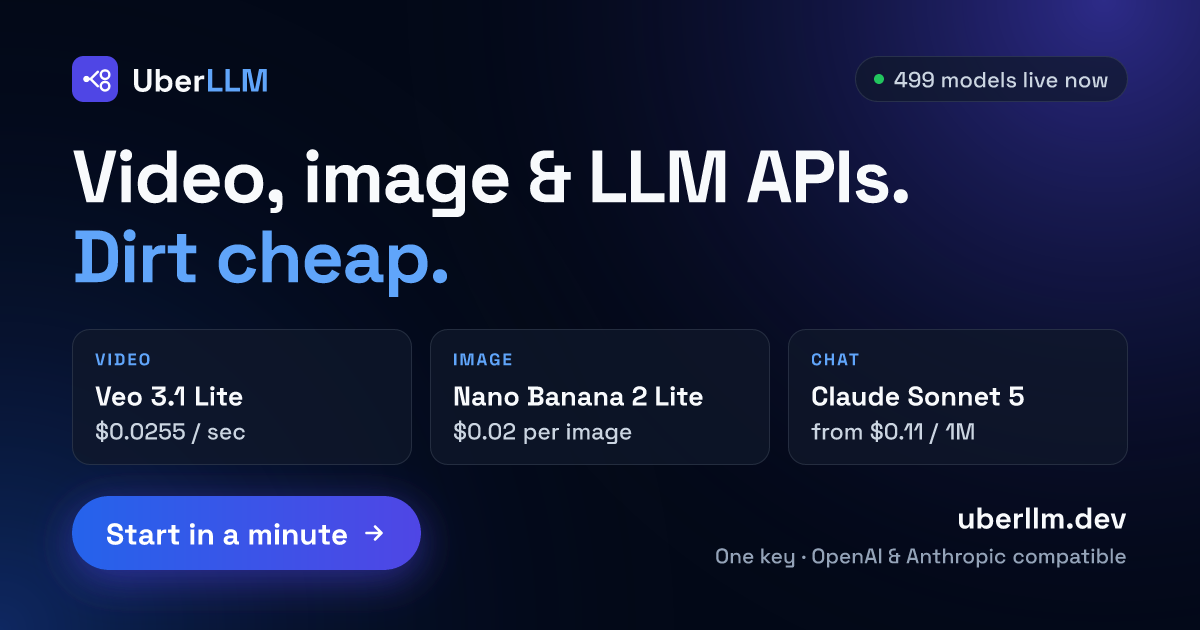
An AI model API marketplace is a good example of where these checks matter most. In a marketplace, you can choose among several providers through a single compatible endpoint, but each provider may implement the protocol slightly differently. The marketplace abstracts the differences behind one base URL, but your application still needs to handle variation in model names, parameter support, and error formats. The migration checklist for that scenario is similar: test each provider you plan to use, and build a thin adapter layer if needed.
Plan for Rate Limits and Error Codes
OpenAI uses HTTP status codes 429 for rate limits and 500 for server errors. A compatible API might use the same codes, but the retry-after header or the error message structure could differ. Some providers send a 429 response without a Retry-After header, forcing you to fall back to exponential backoff. Others return a 503 for overload instead of 429. Review the provider’s documentation on rate limiting and error codes. Adjust your retry logic to match the actual behaviour, not the behaviour you expect from OpenAI. The same applies to timeout and connection pooling. If the new server is slower or has different connection limits, your application might need to increase timeouts or reduce the number of concurrent requests.
End-to-End Test with Production-Like Load
After you have checked each of the items above, run an end-to-end test that mirrors your production traffic. Use a staging environment or a separate API key. Send the same types of requests your application sends, including edge cases like empty messages, very long prompts, and high concurrency. Monitor the response times, error rates, and the content quality. If the new API returns responses that are subtly different, for example, different tokenisation or different stop behaviour, you might see changes in your application’s output. Catch those differences before you switch traffic. A smooth migration depends on testing the whole pipeline, not just the API calls in isolation.
An AI model API marketplace often provides a unified dashboard where you can compare latency and error rates across providers. That visibility helps you decide which provider to use for which request type. But the marketplace itself does not guarantee that every provider behaves identically. You still need to run your own tests and validate the results. The checklist is your safety net. Skip a step, and you may discover the incompatibility only after users report broken features or missing responses.
Keep a Rollback Plan
Finally, prepare a way to revert quickly. Keep your old API key and base URL configured as a fallback. If the new endpoint has an outage or your application discovers a compatibility issue after launch, you want to switch back in minutes, not hours. Some teams maintain a feature flag that toggles between API providers. That extra effort pays off the first time a migration goes wrong. A clean rollback path reduces pressure and lets you resolve issues on your own schedule.
Migrating to an OpenAI compatible API is usually straightforward, but the details matter. Check the base URL, authentication, request schema, model identifiers, response format, streaming, SDK configuration, rate limits, and error codes. Test with real traffic. Keep a rollback plan. With those items covered, you can move your application with confidence.